

Mobile SQL editor
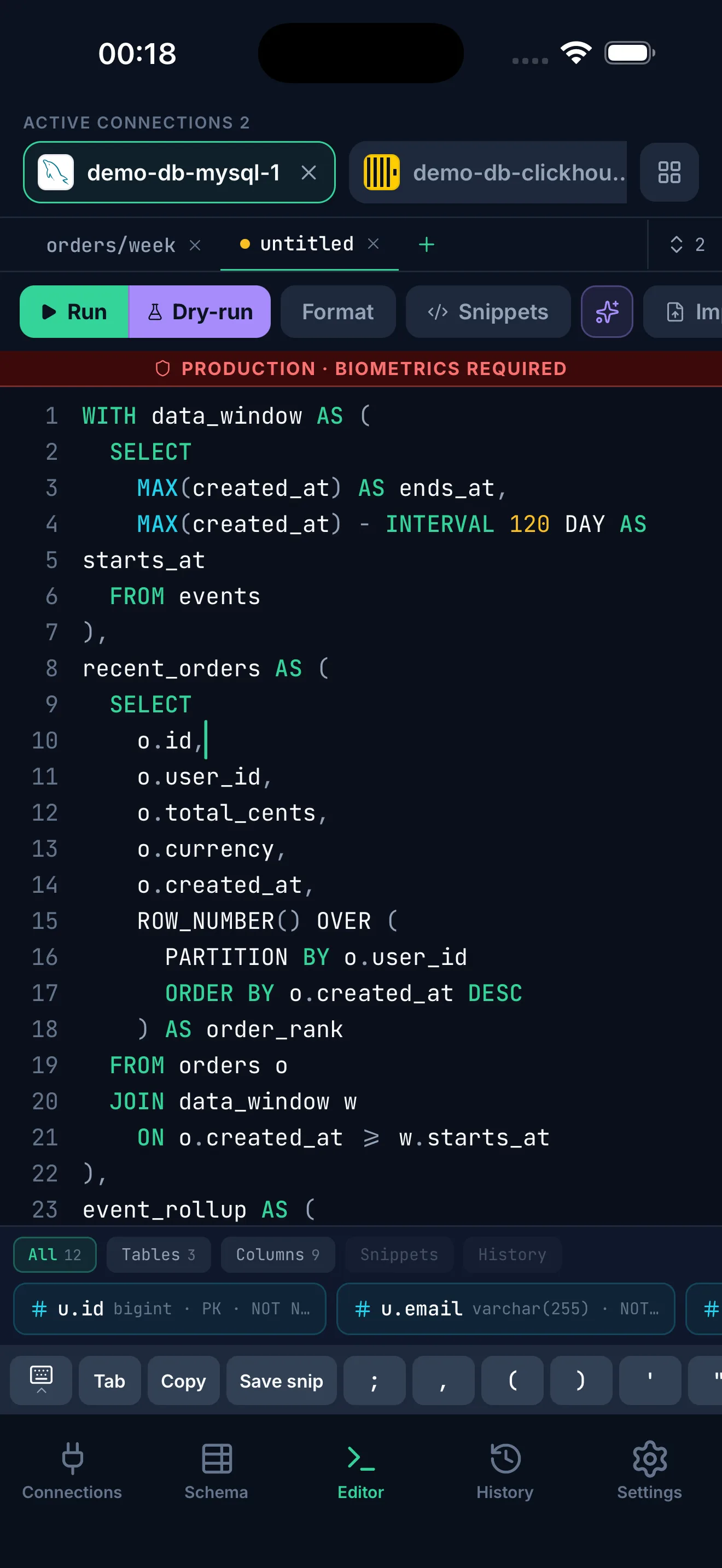
Write SQL with schema context, snippets, query history, autocomplete, and a result grid made for touch screens.
dbport--welcomeconnecting...
DBPort is a local-first database client for iPhone, iPad and Android. Browse schema, write SQL, explore relational and NoSQL data, use AI help, review risky changes, and sync supported records in end-to-end encrypted form.
7-day free trial - then paid subscription, cancel anytime
Supported databases
Connect from iPhone or iPad to the servers you configure.
SQL, document, key-value, and analytics workflows share one local-first app.
 PostgreSQL
 MySQL
MySQL MariaDB
 ClickHouse
 MongoDB
 Redis
Redis SQLite
PostgreSQL - MySQL - MariaDB - SQLite - ClickHouse - MongoDB - Redis
What's inside
Write SQL with schema context, snippets, query history, autocomplete, and a result grid made for touch screens.
Mark sensitive connections, review risky SQL, stage table edits, and require confirmation before supported mutations.
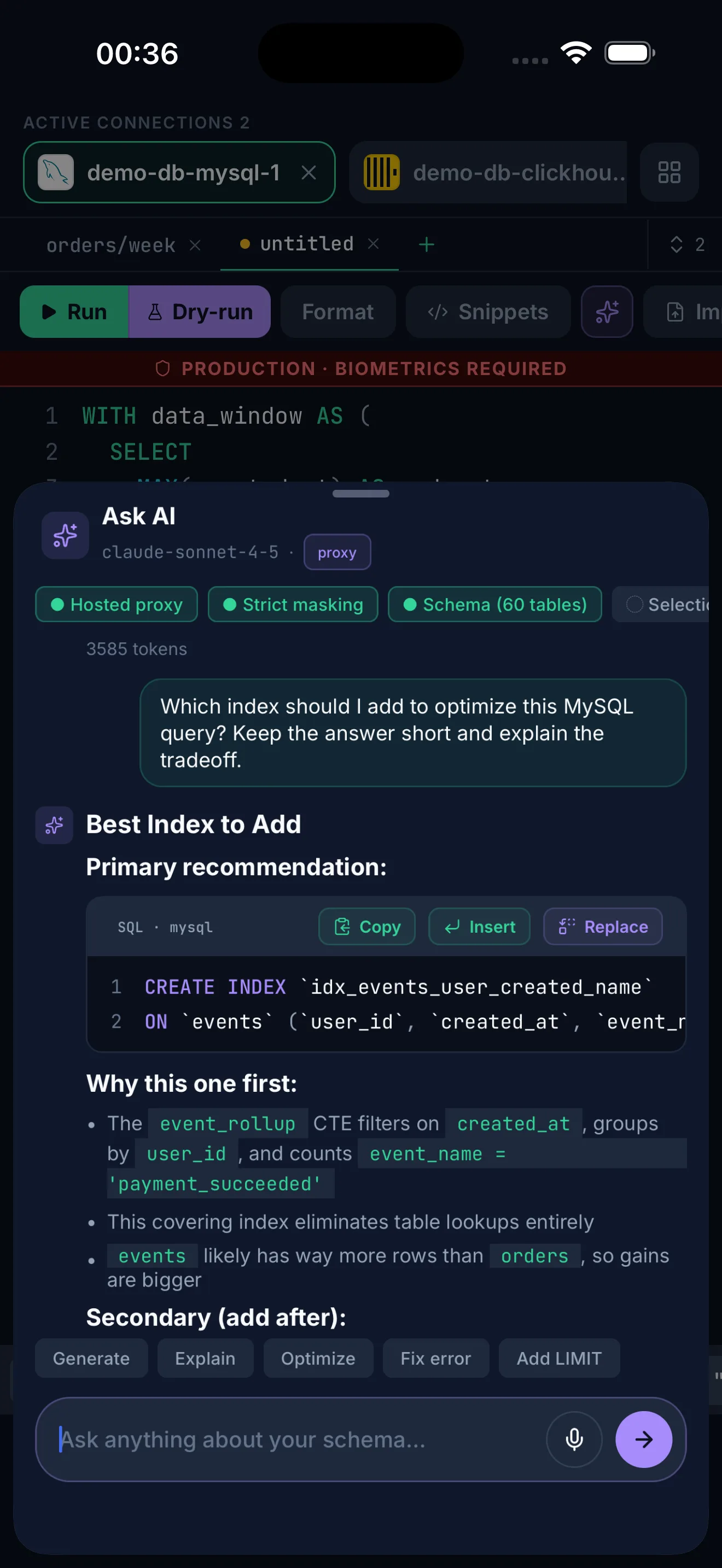
Ask for query explanations, error debugging, and draft SQL. AI suggestions never execute automatically.
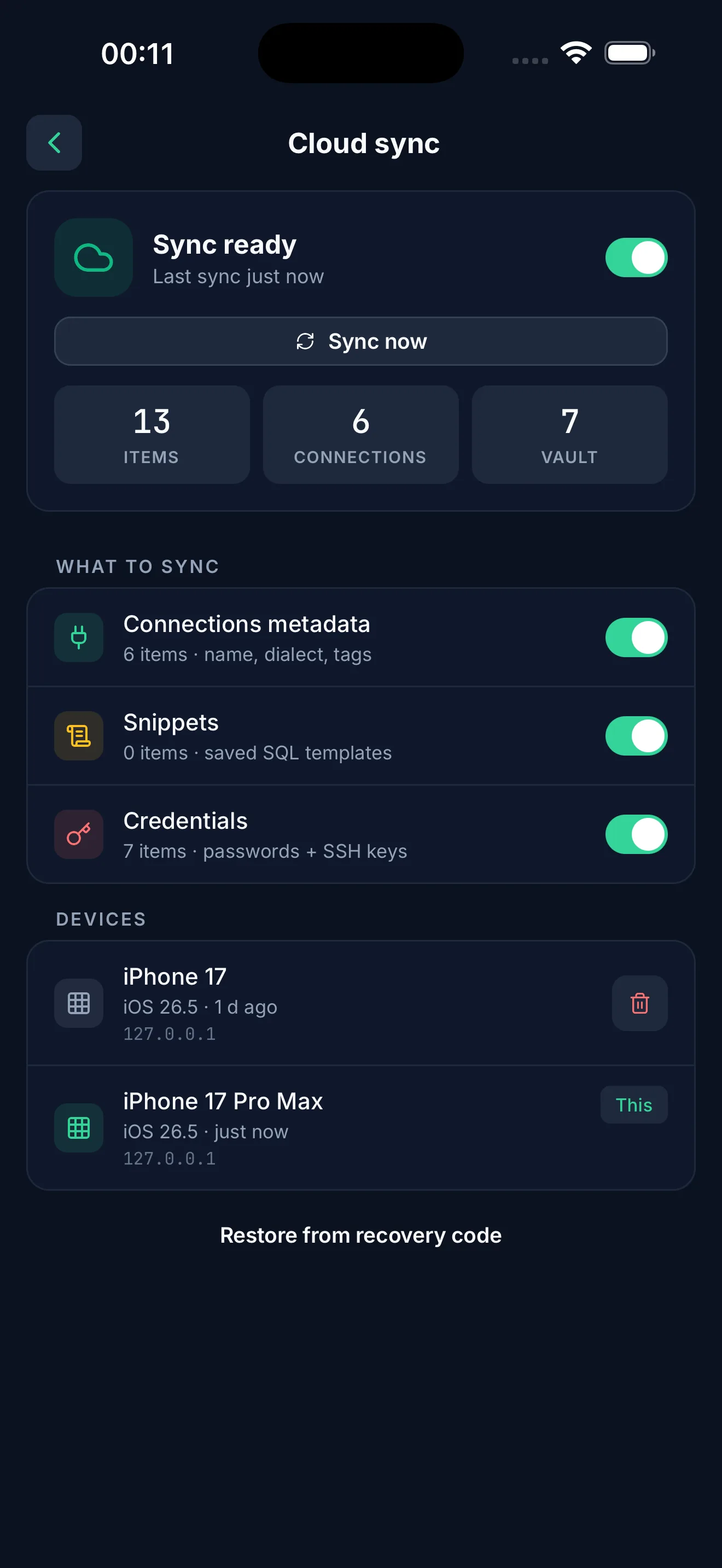
Sync is off by default. Turn it on and supported records sync across your devices in end-to-end encrypted form. A recovery code only you hold restores access on a new device; without it not even DBPort can read your data.
Use DB-focused SSH tunnels and per-connection TLS settings without turning DBPort into a general SSH terminal.
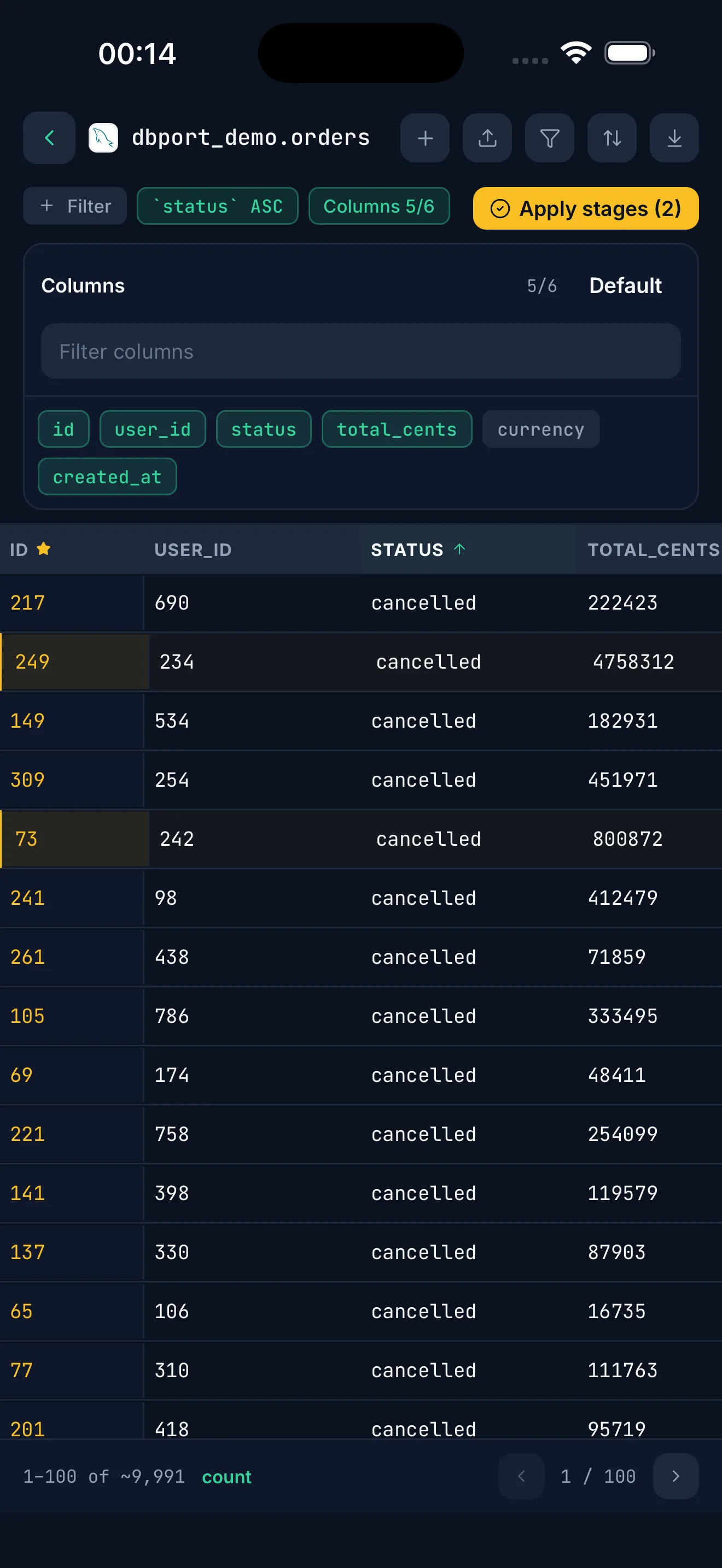
SQL databases, Redis, MongoDB, and ClickHouse get workflows that match how each system is used.
Export query or table data to portable formats and share through the device file workflow.
Database passwords and SSH keys stay in an on-device vault encrypted with the system keychain, optionally gated by biometrics, so readable secrets never reach the DBPort backend.
Privacy-first model
DBPort backend handles account, billing, AI quota, push, and encrypted sync delivery. It does not run your database sessions for you.
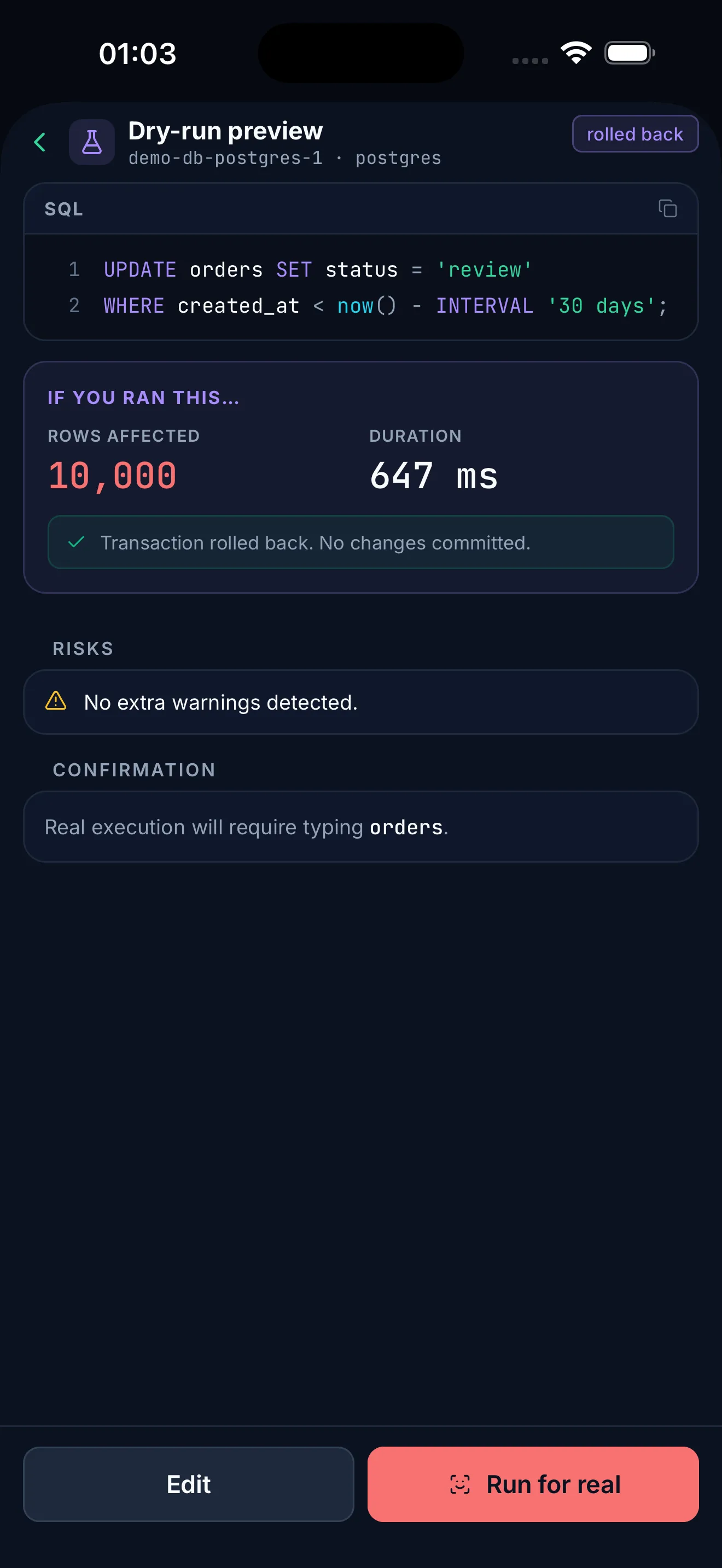
Safe SQL
Mobile database work needs extra friction in the right places. DBPort keeps query review, staged edits, and confirmations close to the action.
AI assist
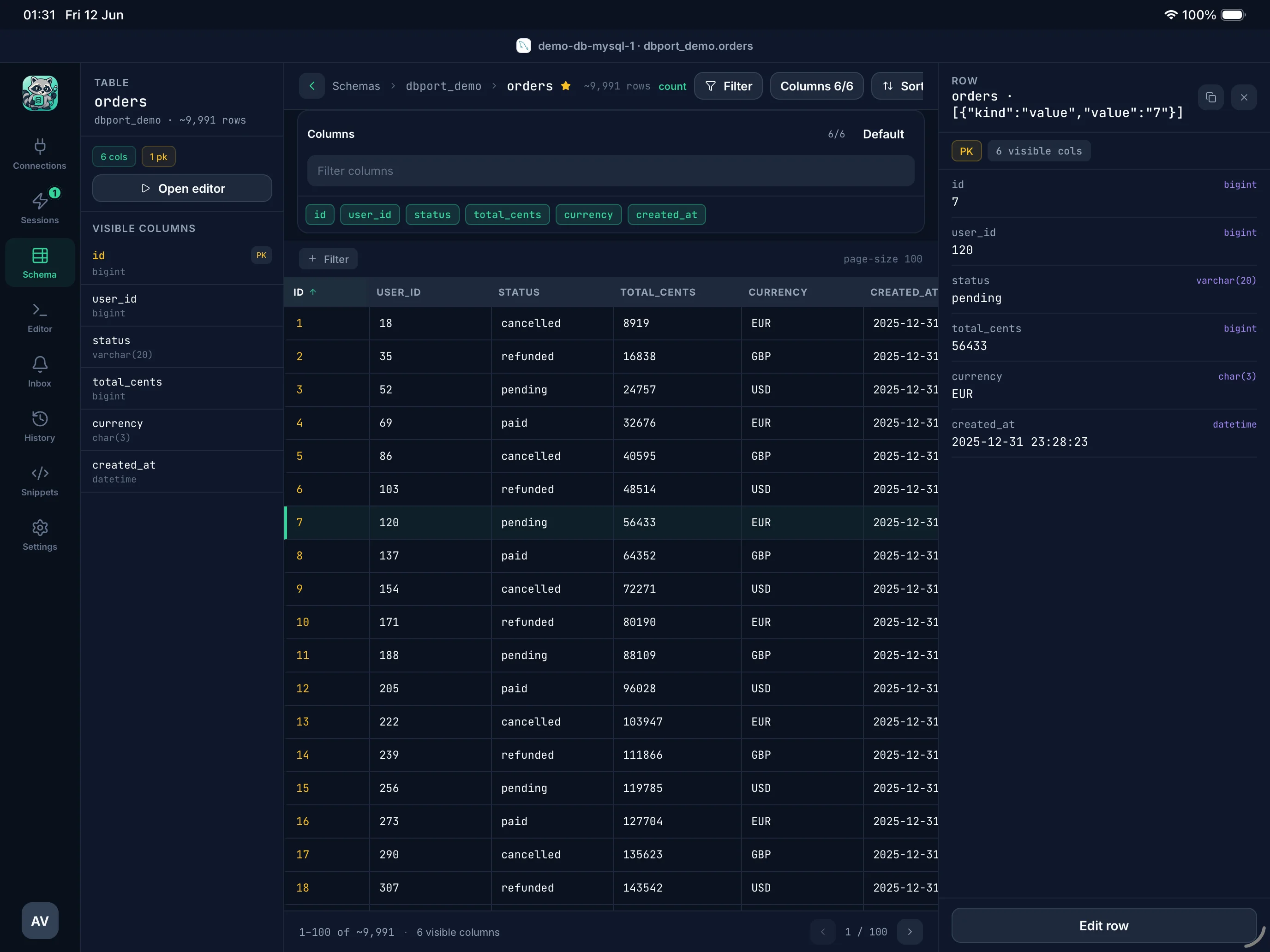
Made for iPad
On iPad, DBPort can show a wider work surface for browsing schema, writing SQL, reviewing results, and asking for AI help without claiming to replace a desktop database client.
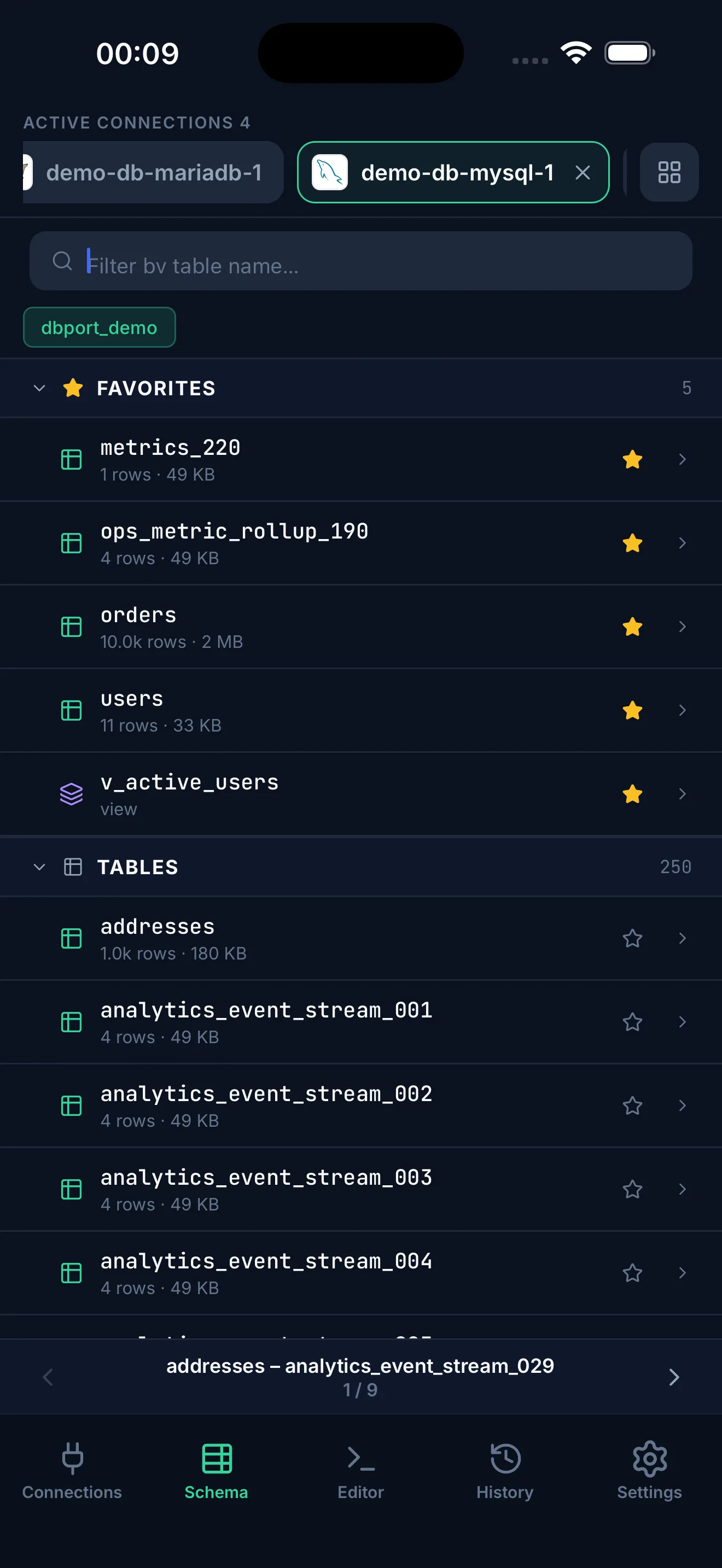
Connection workflow
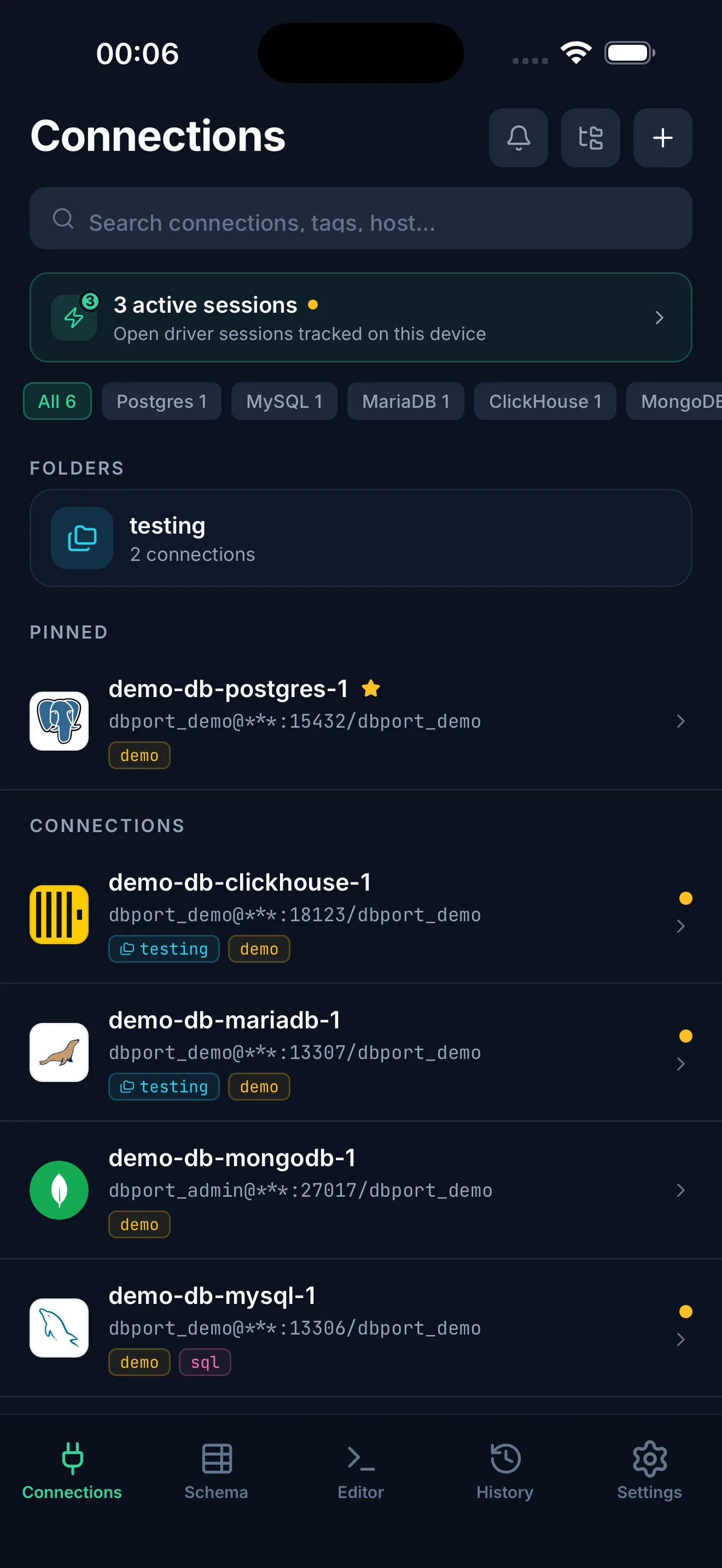
Keep recent connections, query history, snippets, and session state organized for on-call checks and quick follow-up work.
Pricing
Start a 7-day free trial in-app. Then $49.99/year.
Cancel any time.
approx. $4.17 / mo - 7-day free trial
FAQ
No. Database sessions are opened from the app to the database hosts you configure. The backend is used for account, billing, AI quota, push, and encrypted sync features.
DBPort runs on iPhone, iPad, and Android.
Yes, if you are authorized to access them. DBPort adds guardrails, but it does not replace backups, permissions, migration review, or operational process.
AI receives only the prompt and selected context you choose to send, such as schema snippets, editor SQL, error text, or explicitly included samples.
Sync is off by default and opt-in. When you enable it, supported records are encrypted before leaving the device. DBPort backend stores encrypted records and metadata, not database passwords in readable form.
Paid plans are purchased through the App Store on iPhone and iPad and through Google Play on Android. Eligible users can start a 7-day trial before the subscription renews into the selected paid plan.
DBPort supports SSH tunnel database connections where configured. It is not marketed as a general-purpose SSH client.